Setting up a walkie talkie communication network can significantly improve your team’s efficiency and responsiveness. Whether you’re coordinating a large event, managing a construction site, or overseeing a security detail, portable radios provide reliable and instant communication. In this guide, we’ll walk you through the steps to establish a robust communication network using walkie talkies.
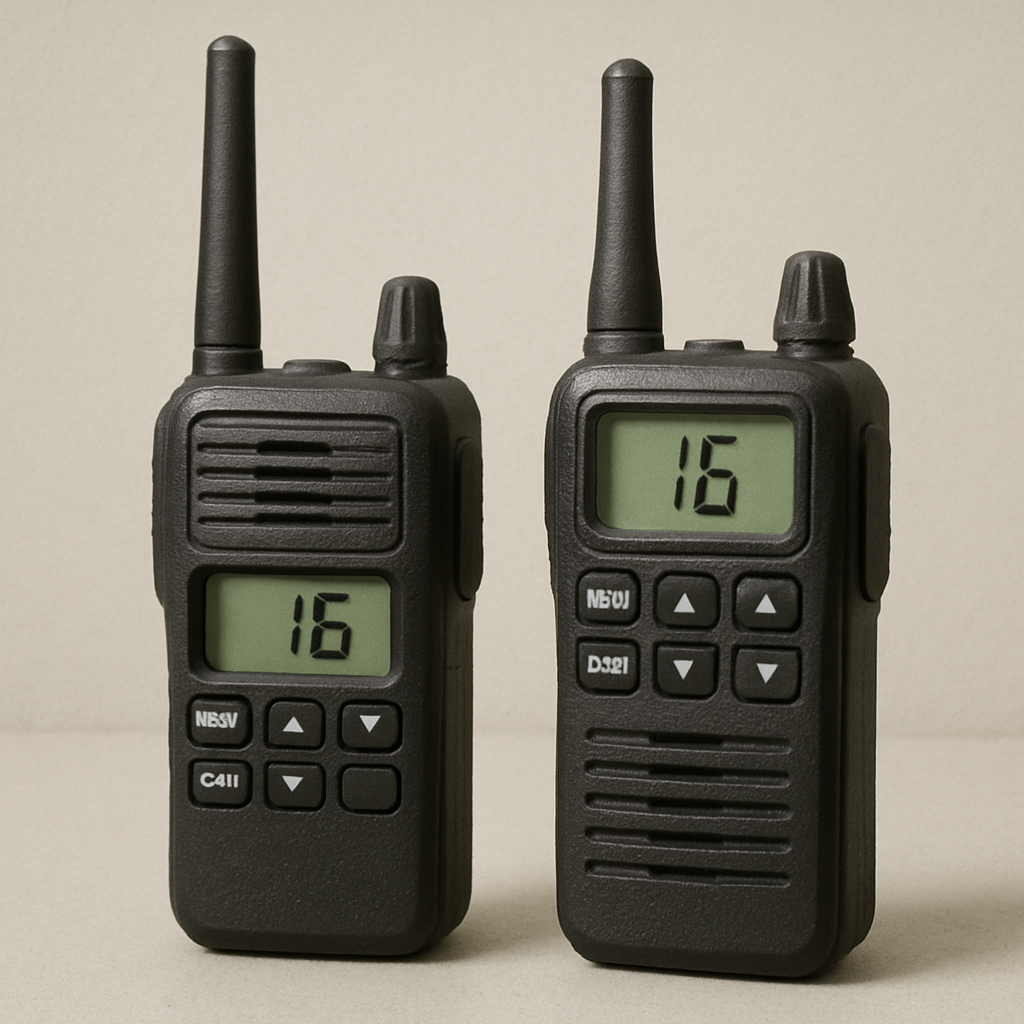
Walkie talkies, also known as portable radios, are handheld devices used for two-way communication. They operate on radio frequencies and allow users to communicate over short to medium distances without the need for cell service. This makes them ideal for areas with poor network coverage or where quick communication is crucial.
Benefits of Using Walkie Talkies
- Instant Communication: Walkie talkies allow for immediate contact, which is essential in time-sensitive situations.
- Cost-Effective: Once purchased, there are no ongoing usage charges, unlike cell phones.
- Durability: Most walkie talkies are built to withstand harsh environments, making them perfect for outdoor use.
- Ease of Use: With simple controls, they can be operated by anyone with minimal training.
Choosing the Right Walkie Talkies
Selecting the appropriate walkie talkies for your team is crucial. Here are some factors to consider:
Range
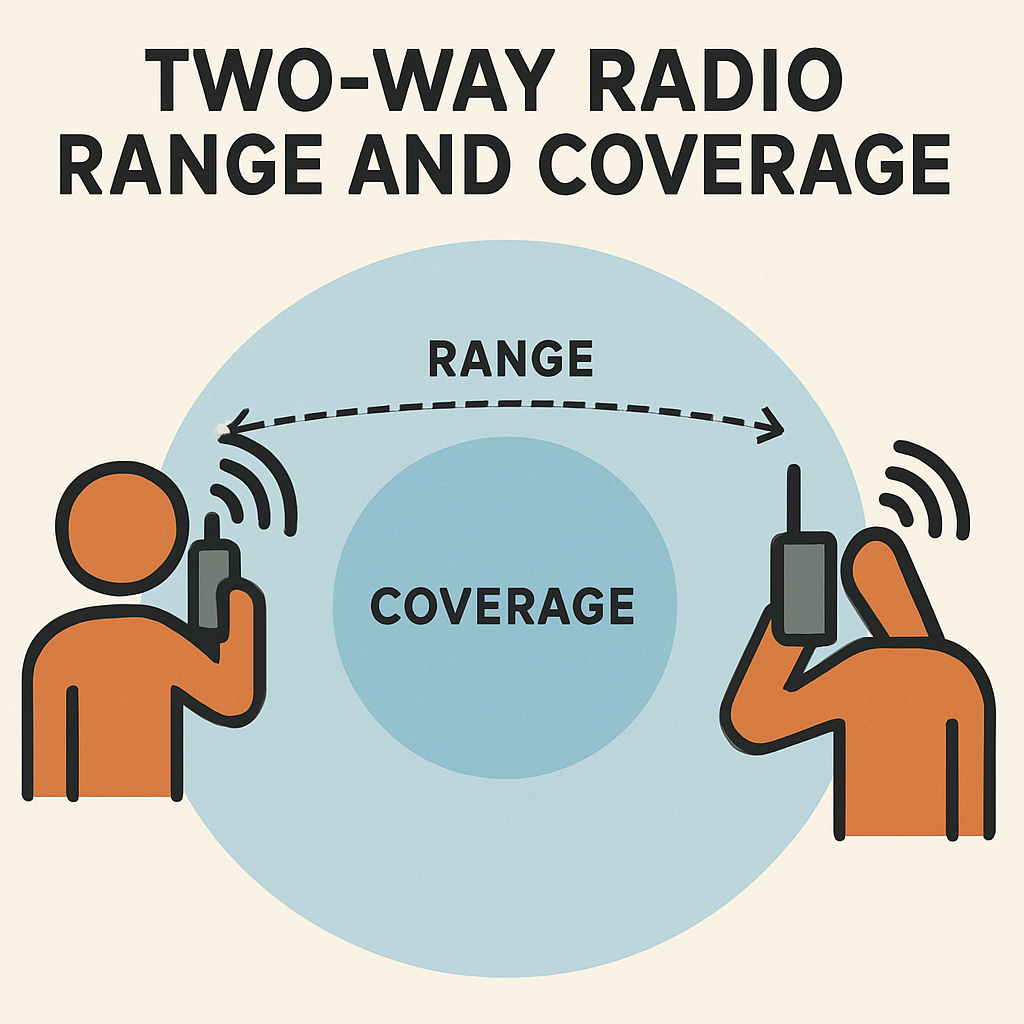
The range of a walkie talkie determines how far apart users can be while maintaining communication. If you’re working in a large area, you’ll need devices with a longer range. Keep in mind that obstacles like buildings and trees can reduce effective range.
Frequency
Walkie talkies operate on two main frequency bands: Very High Frequency (VHF) and Ultra High Frequency (UHF).
- VHF: Better for outdoor communication over open areas.
- UHF: More suitable for indoor use or areas with obstacles like walls and buildings.
Channels
Having multiple channels allows your team to communicate without interference from other groups. This is particularly important in crowded areas or events.
Battery Life
Consider how long your team will be using the walkie talkies each day. Some devices offer longer battery life or come with rechargeable batteries, which can be a cost-saving feature in the long run.
Setting Up Your Communication Network

Once you’ve chosen the right devices, it’s time to set up your communication network. Here’s how to do it:
Step 1: Assign Channels
Assign specific channels to different teams or departments. This prevents cross-talk and ensures that communication is clear and organized. For example, security personnel can be on Channel 1, while event coordinators use Channel 2.
Step 2: Distribute Devices
Ensure each team member has a walkie talkie and knows how to operate it. Conduct a brief training session if necessary, focusing on turning the device on and off, switching channels, and using the push-to-talk button.
Step 3: Establish Protocols
Create clear communication protocols to ensure efficient use of the network. Decide on call signs for each team or individual, and establish a protocol for emergency situations.
Step 4: Test the Network
Before going live, test the communication network thoroughly. Check that all devices are functioning correctly and that the range is sufficient for your needs. This is also a good time to troubleshoot any issues.
Maintaining Your Walkie Talkie Network
Once your network is up and running, regular maintenance is key to ensuring continued performance.
Regular Checks
Conduct regular checks to ensure all devices are in working order. Check battery levels and make sure chargers are available. Inspect the hardware for any damage, especially if the devices are used in harsh environments.
Updates and Upgrades
Stay informed about new walkie talkie models or software updates that could improve your communication network. Upgrading your devices periodically can enhance performance and add new features.
Training Refreshers
Provide periodic training refreshers for your team to keep communication protocols fresh. This is especially important if your team experiences turnover or if you’re scaling up for larger events.
Tips for Effective Communication

To make the most of your walkie talkie network, keep these communication tips in mind:
- Be Clear and Concise: Speak clearly and keep messages brief to avoid misunderstandings.
- Use Call Signs: Always use call signs to identify yourself and the intended recipient.
- Acknowledge Messages: Confirm that you’ve received and understood a message to prevent miscommunication.
- Keep It Professional: Maintain a professional tone, especially in emergency situations.
Common Challenges and Solutions
Even the best communication networks can face challenges. Here are a few common issues and how to address them:
Interference
If you experience interference, try switching to a different channel. Ensure that your team knows how to do this quickly.
Range Limitations
If your team is working over a large area, consider using repeaters to extend the range of your walkie talkies.
Battery Issues
Always have spare batteries or chargers on hand. Encourage team members to charge devices overnight or during breaks.
Conclusion
Setting up a walkie talkie communication network is a straightforward yet effective way to enhance your team’s coordination and efficiency. By choosing the right devices, establishing clear protocols, and maintaining your network, you can ensure seamless communication for any task at hand. With the right setup, walkie talkies can become an invaluable tool for your team, providing reliable communication whenever and wherever it’s needed.“`