Setting up a walkie talkie might seem daunting, especially if you’re new to the world of radio communication. However, with the right guidance, you’ll find it’s a straightforward process. In this guide, we’ll walk you through setting up your walkie talkie step-by-step, with a focus on the popular Baofeng UV-5R model. Whether you’re using it for hiking, camping, or work, this guide will help you get started quickly and efficiently.

Before diving into the setup, it’s essential to familiarize yourself with the basic components of your walkie talkie. Most walkie talkies, including the Baofeng UV-5R, come with the following parts:
- Antenna: Enhances the range of your walkie talkie.
- Battery: Powers your device.
- LCD Display: Shows channels, frequencies, and settings.
- Keypad: Used for inputting frequencies and other settings.
- Speaker/Microphone: Allows you to communicate.
- PTT (Push-to-Talk) Button: Press this button to speak.
Charging the Battery
The first step in setting up your walkie talkie is ensuring that the battery is fully charged. A fully charged battery ensures optimal performance and longer usage time.
- Connect the charger to a power outlet.
- Insert the battery into the charger. Make sure the battery contacts align with the charging contacts.
- Allow the battery to charge completely. This might take a few hours, so it’s best to start this process in advance.
Setting Up the Baofeng UV-5R

Now that you’re familiar with the basic components and have a charged battery, let’s set up the Baofeng UV-5R walkie talkie.
Inserting the Battery and Antenna
- Insert the Battery: Slide the battery into the back of the walkie talkie until it clicks into place.
- Attach the Antenna: Screw the antenna onto the top of the device until it is securely fastened.
Powering On and Basic Configuration
- Turn on the Walkie Talkie: Rotate the power/volume knob clockwise until you hear a click. The LCD screen should light up.
- Set the Volume: Adjust the volume to a comfortable level by turning the volume knob.
- Select the Frequency Mode: Press the “VFO/MR” button to toggle between frequency (VFO) and channel (MR) modes. For initial setup, we will use frequency mode.
Programming Frequencies
Programming frequencies is one of the most crucial steps in the walkie talkie setup process. This will determine which channels you can communicate on.
- Enter Frequency Mode: Ensure you are in frequency mode (VFO) by pressing the “VFO/MR” button.
- Input the Desired Frequency: Use the keypad to enter the desired frequency. You can refer to local radio frequency charts to find available frequencies in your area.
- Save the Frequency to a Channel:Press the “MENU” button.Use the arrow keys to navigate to “MEM-CH” (Menu 27).Press “MENU” again, then input the channel number you wish to save the frequency to.Press “MENU” to confirm and “EXIT” to finish.
Testing the Walkie Talkie

Once you’ve programmed the frequencies, it’s time to test your setup.
- Choose a Channel: Use the up and down arrow keys to select the channel you saved your frequency to.
- Perform a Radio Check: Press and hold the PTT button to speak. Ask for a radio check from another walkie talkie user on the same frequency.
- Adjust Settings if Necessary: If you’re experiencing issues, such as poor sound quality or static, try adjusting the squelch level (Menu 0) or re-checking the frequency settings.
Additional Tips for Using Your Walkie Talkie
Enhancing Range and Clarity
- Ensure the Antenna is Secure: A loose antenna can affect the signal quality.
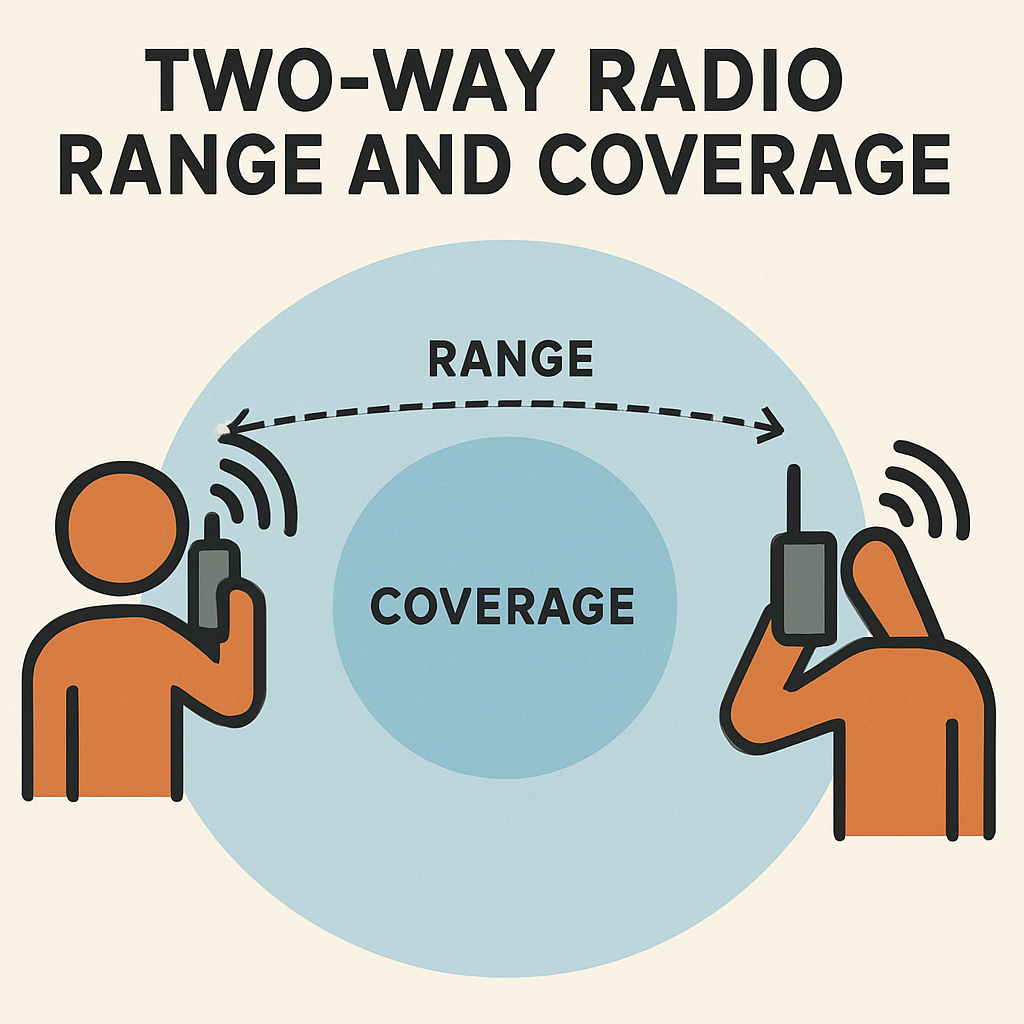
- Position Matters: Walkie talkies work best in open areas. If you’re in a building or surrounded by obstacles, try to find a higher point or open space.
- Keep Batteries Charged: Low battery power can reduce range and clarity.
Safety Precautions
- Avoid Unauthorized Frequencies: Only use frequencies that you are legally allowed to operate on.
- Be Aware of Local Laws: Different regions have specific regulations for radio communications. Ensure you comply with them to avoid fines or other penalties.
Troubleshooting Common Issues
No Sound or Poor Audio Quality
- Check Volume Settings: Ensure the volume is turned up.
- Verify Frequency and Channel Settings: Make sure both devices are on the same frequency and channel.
Device Won’t Turn On
- Check Battery Installation: Make sure the battery is installed correctly.
- Charge the Battery: A dead battery could be the issue.
Conclusion
Setting up a walkie talkie, especially the Baofeng UV-5R, is a manageable task once you understand the basics. By following this step-by-step guide, you’ll be prepared to communicate effectively and enjoy the benefits of radio communication. Remember to always adhere to local regulations and enjoy the convenience and reliability of your walkie talkie.