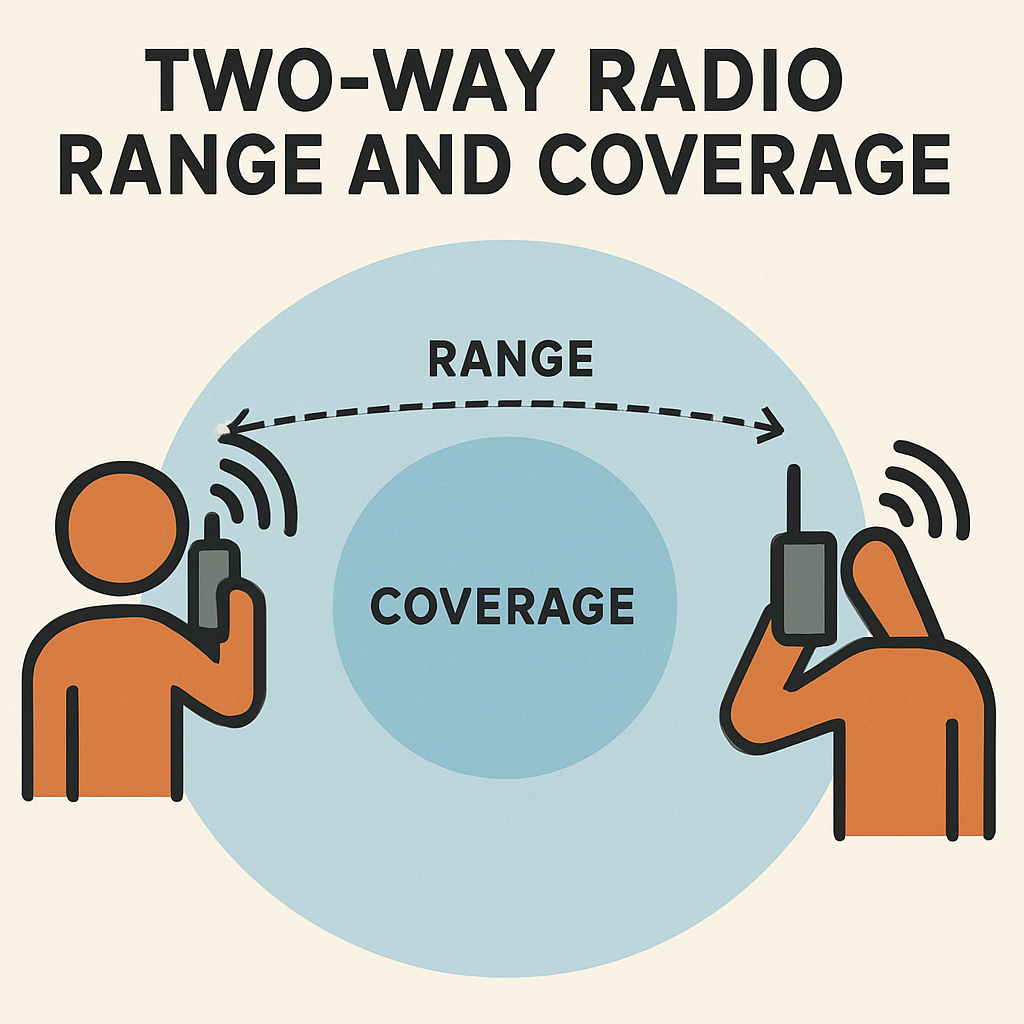
In the grim world of Project Zomboid, where every whisper could attract the undead, the humble walkie-talkie isn’t just gadgetry—it’s a lifeline. Whether coordinating with allies in multiplayer or intercepting critical broadcasts solo, mastering this tool could mean the difference between survival and becoming zombie chow. Here’s how to wield it like a pro.
Why Walkie-Talkies Matter
- 🧠 Intel Gathering: Intercept emergency broadcasts for weather alerts, heli events, and safehouse locations.
- 👥 Multiplayer Coordination: Talk privately with allies across the map (no shouting!).
- 📻 Immersion: Tune into eerie static, distant voices, and apocalyptic radio drama.
How to Find Walkie-Talkies
- Loot Priority Spots:
- Police cars, security checkpoints, and guard booths.
- Survivor houses (check nightstands/garages).
- Electronics stores or warehouses.
- Tip: Use the “Antique Collector” trait to boost radio loot!
- Zombie Drops:
- Military, police, and utility worker zombies often carry them.
- Crafting:
- Disassemble electronics for parts → craft basic receivers (requires Electrical skill).
Setting Up Your Walkie-Talkie
- Equip & Power:
- Add batteries (check charge level!).
- Press
Rto open the device interface.
- Tune Frequencies:
- Emergency Broadcasts: Scan 96.00–100.00 MHz (default: 96.2 MHz).
- Player Channels: Set custom frequencies (e.g., 105.6) for private team chat.
- Pro Tip: Save presets! Right-click → “Save Frequency.”
- Volume & Mic Control:
- Lower volume to avoid attracting zombies.
- Use push-to-talk (
Qby default) in multiplayer.
Advanced Tactics
✅ Broadcast Interception:
- Tune into the Automated Emergency Broadcast System (AEBS) for critical updates:
"Dangerous weather incoming...""Military helicopter spotted...""Infected migration detected in..."
✅ Multiplayer Ops:
- Designate channels for scouts, looters, and base security.
- Use code words (e.g., “Alpha” = zombies nearby).
⚠️ Risks:
- Dead batteries leave you deaf/blind.
- Noise attracts zombies (keep volume low!).
- Other survivors might eavesdrop!
Walkie-Talkie vs. HAM Radio
| Feature | Walkie-Talkie | HAM Radio |
|---|---|---|
| Range | Short-Medium (1-5km) | Long (10+ km) |
| Portability | Fits in backpack | Requires generator |
| Skill Needed | None | Electrical 3+ |
| Best For | Quick squad comms | Intel gathering |
Pro Tips for Survivors
- Battery Hoarder: Stockpile batteries in fridges (slows drain).
- Silent Mode: Turn off speaker when stealth is critical.
- Frequency Notes: Write down key freqs in your journal (e.g., “AEBS: 96.2 MHz”).
- Mods: Try “Better Handheld Radios” mod for enhanced features.
Where to Find the AEBS Frequency
➜ The Rosewood Fire Station (back office) often spawns a note with the AEBS frequency. Check desks and bookshelves!
Final Thought
In Project Zomboid, information is armor. A walkie-talkie isn’t just a tool—it’s your ears in a world gone silent. Tune in, power up, and remember: Static could save your life.
Got a walkie-talkie war story? Share your frequency horror/success tales below!