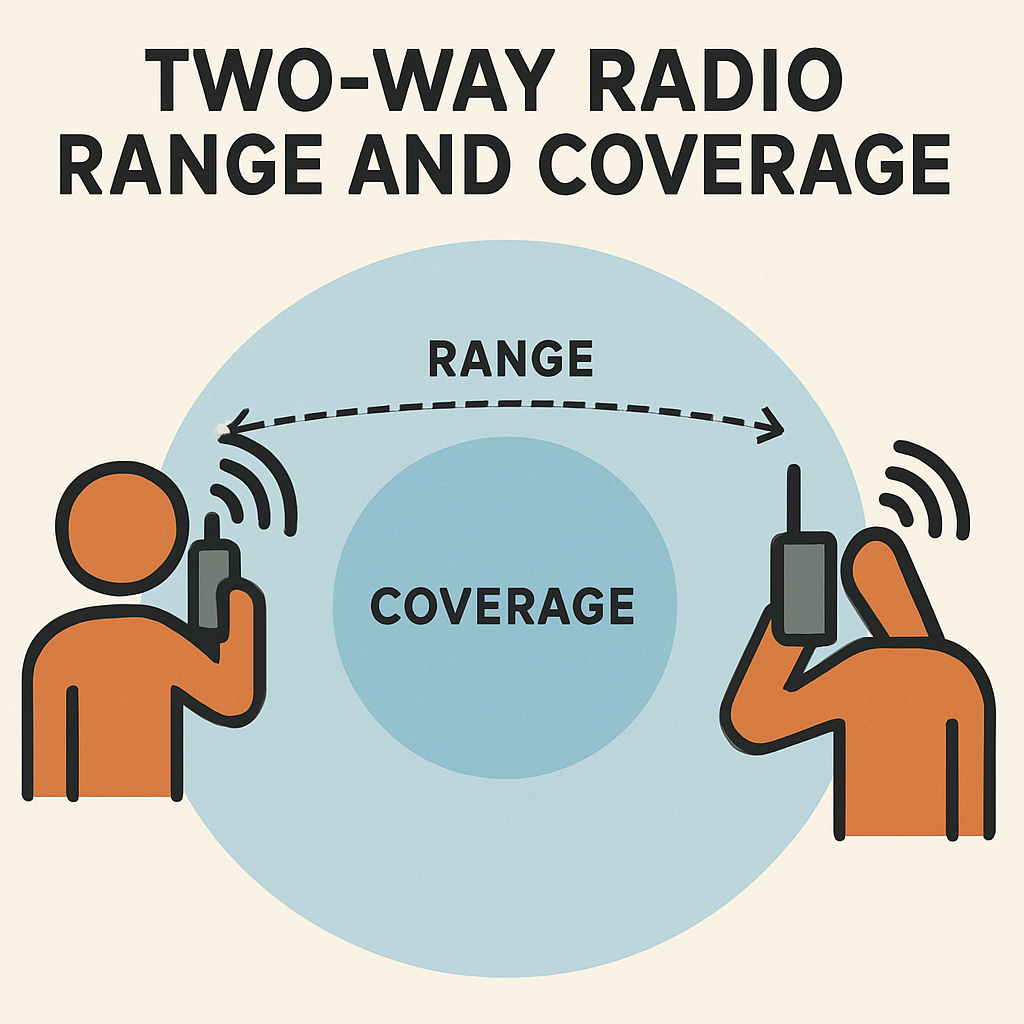
The Apple Watch is packed with features that make communication easy and fun, and one of its standout features is the Walkie Talkie app. This app allows you to have quick, real-time conversations with friends and family who also have an Apple Watch. In this guide, we’ll walk you through everything you need to know about using the Walkie Talkie app on your Apple Watch.
The Walkie Talkie app is an Apple Watch feature that lets you have push-to-talk conversations with other Apple Watch users. It’s like having a walkie-talkie on your wrist, making it a quick and convenient way to communicate without needing to make a full phone call or send a text message.
Setting Up Walkie Talkie on Your Apple Watch
Before you can start chatting with friends, you need to set up the Walkie Talkie app on your Apple Watch. Here’s how to do it:
Step 1: Ensure Compatibility
First, make sure your Apple Watch is compatible with the Walkie Talkie app. You’ll need an Apple Watch Series 1 or later with watchOS 5.3 or later installed. Additionally, your paired iPhone should have iOS 12.4 or later.
Step 2: Enable FaceTime
Walkie Talkie requires FaceTime to work, as it uses FaceTime audio for its communication. Ensure that FaceTime is enabled on your iPhone:
- Open the Settings app on your iPhone.
- Scroll down and tap on FaceTime.
- Make sure the FaceTime toggle is turned on.
Step 3: Open the Walkie Talkie App
Once you have confirmed compatibility and enabled FaceTime, you can open the Walkie Talkie app on your Apple Watch. It’s usually pre-installed, but if not, you can download it from the App Store on your watch.

Adding Friends to Walkie Talkie
To start using Walkie Talkie, you need to add friends who also have an Apple Watch. Here’s how:
- Open the Walkie Talkie app on your Apple Watch.
- Tap Add Friends.
- Choose a contact from your list. They will receive an invitation to join Walkie Talkie.
- Once they accept your invitation, you can start communicating with them.
Using the Walkie Talkie App
Now that your Walkie Talkie app is set up and you’ve added friends, you’re ready to start using it. Here’s how to have a conversation:
Step 1: Start a Conversation
- Open the Walkie Talkie app on your Apple Watch.
- Tap on the friend you want to talk to.
- Press and hold the Talk button. Speak into your Apple Watch while holding the button down.
- Release the button when you’re done speaking. Your message will be sent instantly.
Step 2: Adjusting Volume and Notifications
If you need to adjust the volume while using Walkie Talkie, simply turn the Digital Crown on your Apple Watch to increase or decrease the sound level.
Additionally, you can customize notifications for Walkie Talkie:
- Open the Apple Watch app on your iPhone.
- Go to My Watch > Walkie Talkie.
- Here you can toggle notifications on or off and adjust sound settings.
Troubleshooting Common Issues

Sometimes, you might face issues with the Walkie Talkie app. Here are some common problems and how to solve them:
Problem: Invitations Not Received
If your friend doesn’t receive your invitation, make sure both watches are connected to Wi-Fi or cellular, and that FaceTime is enabled on both iPhones.
Problem: Walkie Talkie Not Working
If Walkie Talkie isn’t working, try restarting both your Apple Watch and iPhone. Ensure that both devices have the latest software updates installed.
Problem: Poor Audio Quality
If the audio quality is poor, check your internet connection. A strong Wi-Fi or cellular connection can improve call quality.
Benefits of Using Walkie Talkie on Apple Watch
The Walkie Talkie app is more than just a fun way to communicate. Here are some benefits:
- Instant Communication: Quickly send messages without typing or dialing.
- Hands-Free: Use the feature while on-the-go without needing to pick up your phone.
- Efficient: Perfect for short, real-time conversations with minimal effort.
Conclusion
The Walkie Talkie app on Apple Watch offers a convenient, fast way to stay in touch with others. By following the steps outlined in this guide, you can easily set up and use the app to enhance your communication experience. Whether you’re coordinating with family or chatting with friends, Walkie Talkie makes it all more accessible and fun. So go ahead, give it a try, and enjoy the ease of talking wrist-to-wrist!