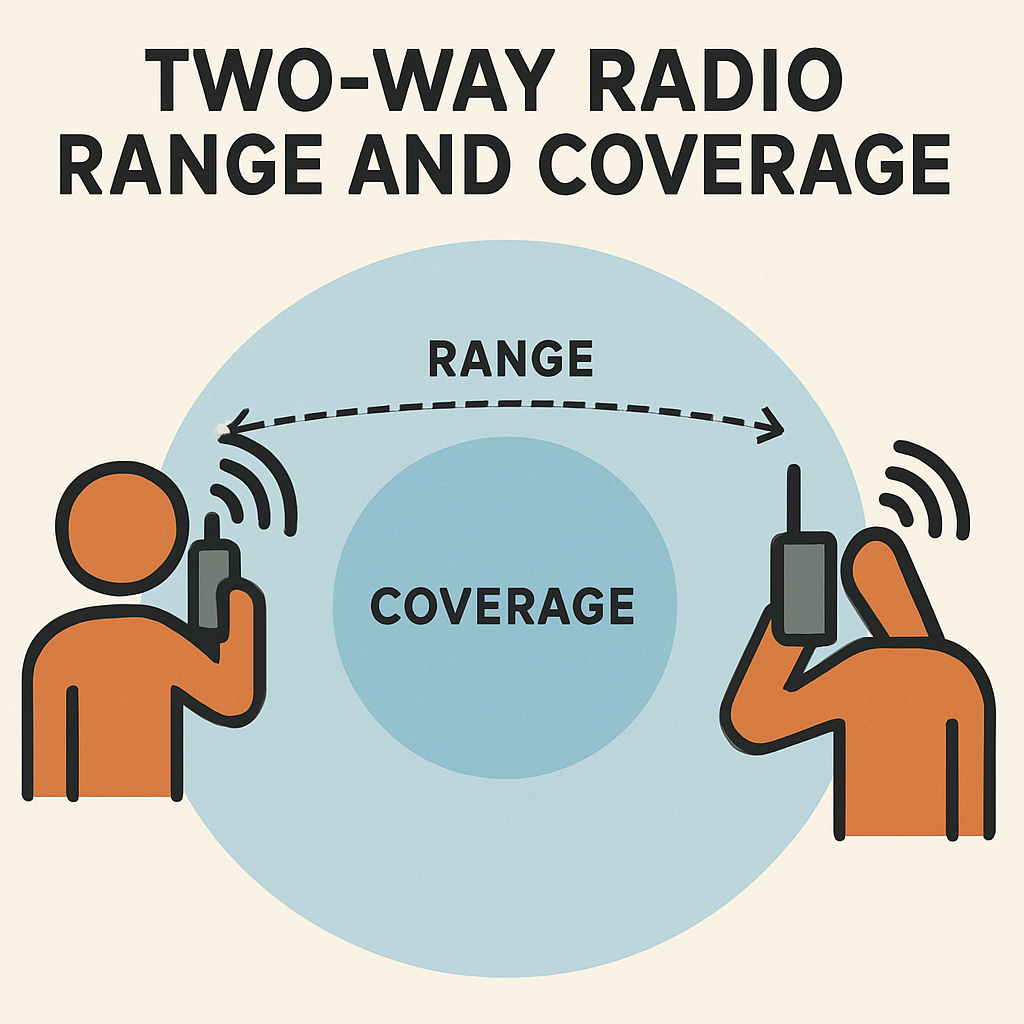
Accessing walkie talkie features can transform your communication experience, especially in scenarios where direct contact is crucial. Whether you’re exploring the backcountry or simply want to engage with your contacts seamlessly, understanding how to leverage these features can be invaluable. Below, we break down the essentials of accessing walkie talkie features on various devices, including the Apple Watch.
Walkie talkie features allow for instant voice communication similar to traditional two-way radios but with advanced digital enhancements. These features are ideal for maintaining contact in areas where cellular service might be unreliable, making them a popular choice for backcountry excursions and outdoor adventures.

The Apple Watch offers a convenient walkie talkie feature that lets you connect with other Apple Watch users instantly. Here’s how to access it:
- Ensure Compatibility: First, make sure your Apple Watch is compatible. The walkie talkie feature is available on Apple Watch Series 1 and later models with watchOS 5.3 or later.
- Set Up FaceTime: The walkie talkie feature requires FaceTime to be enabled on your paired iPhone. Check that FaceTime is set up and you’re signed in with your Apple ID.
- Open the Walkie Talkie App: On your Apple Watch, locate and open the Walkie Talkie app. If prompted, enable the app by tapping “Add Friends.”
- Add Contacts: To start a conversation, tap the “+” icon to add friends. Select contacts who also have compatible Apple Watches. An invite will be sent to them.
- Start a Conversation: Once your contact accepts the invite, tap their name in the Walkie Talkie app. Press and hold the talk button to begin speaking. Release the button when you’re done to let your contact respond.
Backcountry Access Walkie Talkie

For backcountry adventurers, having a dedicated walkie talkie can be a lifeline. Devices designed for outdoor use often have extended range, durable construction, and weather-resistant features. Here’s how to make the most of them:
- Choose the Right Device: Select a walkie talkie with a range that suits your needs. For backcountry use, devices with a range of several miles are ideal.
- Frequency Channels: Familiarize yourself with the frequency channels available on your device. Opt for channels with less traffic to ensure clear communication.
- Battery Life: Ensure your walkie talkie is fully charged before heading out. Consider carrying spare batteries for longer excursions.
- Emergency Features: Some models offer emergency alerts or GPS tracking, which can be invaluable in case of an emergency.
Conclusion
Accessing walkie talkie features, whether through modern gadgets like the Apple Watch or traditional devices, can enhance your communication capabilities in both everyday and extreme situations. By understanding how to effectively use these features, you can stay connected, informed, and safe.
If you have any experiences or tips regarding walkie talkies, feel free to share them in the comments below!